Starting with Google Ads might seem hard, but it’s easy with the right help. It’s great for small business owners or marketing pros in Lebanon. Knowing Google Ads is key to getting more visitors to your site.
This guide will teach you the basics of Google Ads. It’s a simple step-by-step guide to get you started. We’ll make hard ideas simple so you can understand online ads better.
Key Takeaways
- Understanding the basics of Google Ads
- Setting up your first Google Ads campaign
- Keyword research and selection
- Creating effective ad copy
- Tracking and optimizing your Google Ads performance
Understanding Google Ads and Its Benefits
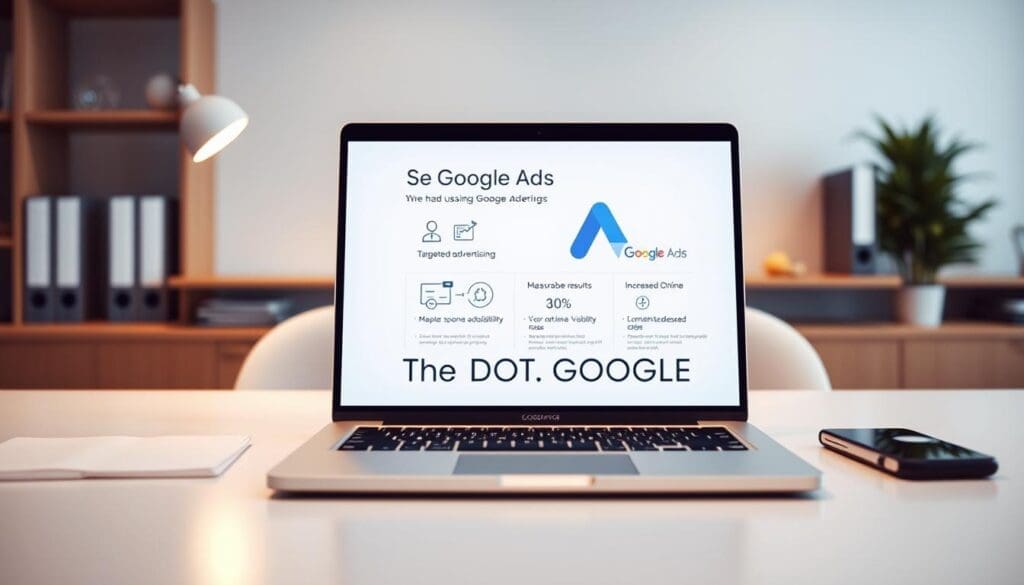
Google Ads is key for businesses wanting to succeed online. It’s a powerful tool that lets you create ads for Google’s search and other sites. This helps your business reach more people.
What is Google Ads?
Google Ads is a way to pay for ads each time someone clicks on them. It’s great for getting more website visitors, leads, and sales. The ads’ position is based on how well they match what people are searching for.
Key Features of Google Ads:
- Targeted advertising to reach specific audiences
- Measurable results to track campaign effectiveness
- Flexibility to adjust campaigns in real-time
- Integration with Google Analytics for deeper insights
Key Benefits of Advertising with Google
Google Ads helps businesses a lot. One big plus is increased visibility. Your ads can show up at the top of Google searches. This means more people see your brand when they’re looking for what you offer.
Other key benefits include:
- Targeted advertising to reach specific demographics and interests
- Measurable ROI to track the effectiveness of ad spend
- Flexibility in budgeting and bidding strategies
Common Terms to Know in Google Ads
To get good at Google Ads, you need to know some basic terms. Keywords are the words that make your ads show up. Ad groups are groups of ads for specific keywords. Knowing these terms helps you make your ads work better.
Learning these basics helps you use Google Ads well. It brings more targeted traffic to your site. This helps you meet your marketing goals.
Setting Up Your Google Ads Account
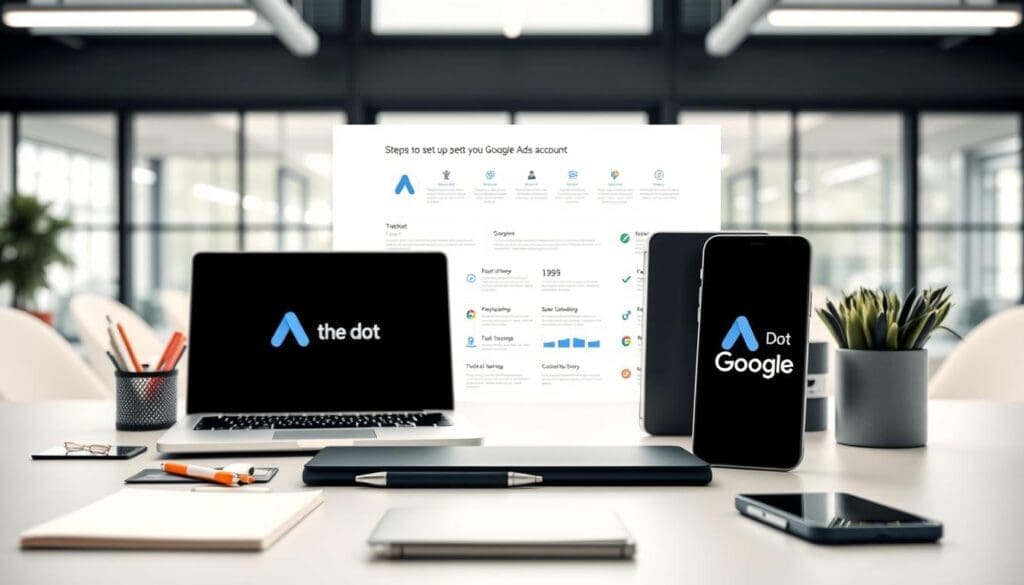
Now, let’s get started with setting up your Google Ads account. It’s easy and just needs some basic info about your business and what you want to achieve.
Step-by-Step Account Creation
First, go to the Google Ads homepage and click “Start Now.” You might need to sign in with your Google account or make a new one. Google says “creating a Google Ads account is free and only takes a few minutes.”
After signing in, you’ll need to share some basic business info. This includes your website URL and where you want to reach people. This helps Google Ads show your ads to the right people.
- Enter your business name and website URL.
- Select your country or region and time zone.
- Choose your advertising goals, such as driving website traffic or generating leads.
Choosing the Right Campaign Type
Google Ads has many campaign types to help you reach your goals. Experts say “choosing the right campaign type is key for your ads to succeed.” The main types are:
- Search Network campaigns, which show ads on Google search pages.
- Display Network campaigns, which display ads on websites all over the internet.
- Video campaigns, which show ads on YouTube and other video sites.
Choosing the right campaign depends on your goals and who you want to reach. For example, if you want more website visitors, a Search Network campaign might be best.
Setting Your Budget and Bids
Setting your budget and bids is very important. Your budget is how much you can spend each day. Your bids are how much you’re willing to pay for each ad click. Google says “a good budget and bid strategy is essential for success.”
To set your budget, think about your overall marketing budget and how much to spend on Google Ads. You can choose a daily or total budget. For bidding, you can pick from strategies like cost-per-click (CPC) or cost-per-conversion.
“The key to successful Google Ads campaigns is not just setting up your account, but continually optimizing and refining your strategies to achieve the best ROI.”
By following these steps and keeping an eye on your campaigns, you can get the most out of your Google Ads. This will help you reach your advertising goals.
Keyword Research for Effective Advertising
Keyword research is key to reaching the right people with your Google Ads. It helps you understand what your customers are searching for. This way, you can make your ads more appealing, boosting your chances of success.
Importance of Keywords in Google Ads
Keywords are the base of any Google Ads campaign. They decide when and to whom your ads are shown. Choosing the right keywords is vital for your ad’s visibility and relevance.
Think about it: “The right keywords can make or break your Google Ads campaign.” Good keyword research lets you know what your audience is looking for. This helps you create ads that really speak to them.
- Find keywords that match what your business offers.
- Use tools to discover the best keywords.
- Look at what your competitors are doing with keywords.
Tools for Keyword Research
Many tools can help with keyword research for Google Ads. Google’s Keyword Planner is a top pick, giving insights into keyword performance. Tools like SEMrush and Ahrefs offer more, like competitor analysis and keyword difficulty scores.
Choosing the right tool can really help your keyword research. It opens up new opportunities and helps you fine-tune your strategy.
| Tool | Features | Benefits |
|---|---|---|
| Google Keyword Planner | Keyword suggestions, search volume data | Free, integrated with Google Ads |
| SEMrush | Competitor analysis, keyword difficulty | Comprehensive insights, user-friendly interface |
| Ahrefs | Keyword research, backlink analysis | Large database, detailed analytics |
Analyzing Competitor Keywords
Looking at your competitors’ keywords can give you a lot of insight. Tools like SEMrush and Ahrefs let you see what they’re targeting. This can help you find areas where you can improve.
“Knowing your competitors’ keyword strategies can help you stay ahead in the game.” Look at their strengths and weaknesses to make your strategy better.
By using these strategies in your Google Ads, you can make your ads more visible. This drives more relevant traffic to your site. And that can lead to more conversions.
Creating Your First Google Ads Campaign
Starting your first Google Ads campaign is exciting. You’ve set up your account and done your keyword research. Now, you’re ready to make a campaign that gets results.
Crafting Compelling Ad Copy
Your ad copy is the first thing people see of your business. Make it stand out by being clear, short, and interesting. Use action-oriented language to get people to click and buy.
Here are some tips for writing great ad copy:
- Highlight what makes you different.
- Have a clear call-to-action (CTA).
- Use the right keywords to match your ad.
Utilizing Ad Extensions for Better Performance
Ad extensions add extra details and make your ads more visible. They can boost your ad’s performance by getting more clicks and giving more value to users.
Some popular ad extensions include:
- Site link extensions to direct users to specific pages on your site.
- Callout extensions to highlight special offers or unique benefits.
- Call extensions to enable users to call your business directly.
Tips for Effective Landing Pages
A good landing page is key to turning clicks into sales. Make sure your landing page matches your ad and is easy to use.
Key elements of a great landing page include:
| Element | Description | Importance |
|---|---|---|
| Clear Headline | Matches the ad copy and clearly communicates your offer. | High |
| Compelling Content | Engages users and encourages them to take action. | High |
| Strong Call-to-Action | Directs users to the desired action. | High |
| Relevant Imagery | Supports your message and enhances user engagement. | Medium |
By focusing on these elements, you can make a landing page that turns visitors into customers.
Monitoring and Optimizing Your Campaigns
Once your Google Ads campaign is live, it’s key to keep an eye on how it’s doing. Good management means watching important numbers, trying out different ads, and making choices based on data. This helps you get the most out of your investment.
Key Performance Indicators
Knowing your Google Ads metrics is important. Look at click-through rate, conversion rate, and return on ad spend. These numbers tell you if your campaign is working well. By checking these, you can find ways to make your campaign better.
A/B Testing Strategies
A/B testing is a great way to make your Google Ads campaigns better. It lets you compare different ads to see which ones people like more. This helps you make your ads, who you target, and how much you bid better. It all adds up to a better campaign.
Optimizing for Better ROI
To get the most from your investment, you should always be checking and tweaking your Google Ads campaigns. Using Google Ads best practices, like better keyword targeting and ad copy, can really help. It makes your campaign work harder and get more results.
FAQ
What is the first step in setting up a Google Ads campaign?
First, create a Google Ads account. You’ll need to give basic info about your business and set up billing.
How do I choose the right campaign type for my Google Ads?
Think about what you want to achieve. Do you want more website visitors, leads, or sales? Google Ads has many types, like Search and Display campaigns.
What is keyword research, and why is it important in Google Ads?
Keyword research finds the words people use to find your stuff. It’s key in Google Ads. It helps your ads show up for the right searches.
How do I set a budget for my Google Ads campaign?
Decide how much you want to spend each day or month. Google Ads will manage your spending to stay within your budget.
What are ad extensions, and how can they improve my Google Ads performance?
Ad extensions add extra info to your ads, like site links. They make your ads more useful and visible, helping more people click.
How do I track the performance of my Google Ads campaign?
Use Google Ads metrics like click-through rate and conversion rate. Set up conversion tracking to see how many sales your ads get.
What is A/B testing, and how can it help optimize my Google Ads campaign?
A/B testing lets you compare different ads. It helps you find the best ads for your campaign, improving your return on investment.
How often should I monitor and optimize my Google Ads campaign?
Check your campaign’s performance weekly or monthly. This helps you spot and fix any issues for better results.